Import your OBJ or GLB file and get an optimized cut list instantly. No manual measuring required.
Import Your ModelYou've spent hours perfecting your furniture design in CAD software. Now you need to actually build it. CutCalc bridges the gap between your 3D model and the workshop by automatically extracting parts and generating optimized cutting layouts.
No more manually measuring each component in your model. No more spreadsheets. Just export, upload, and cut.
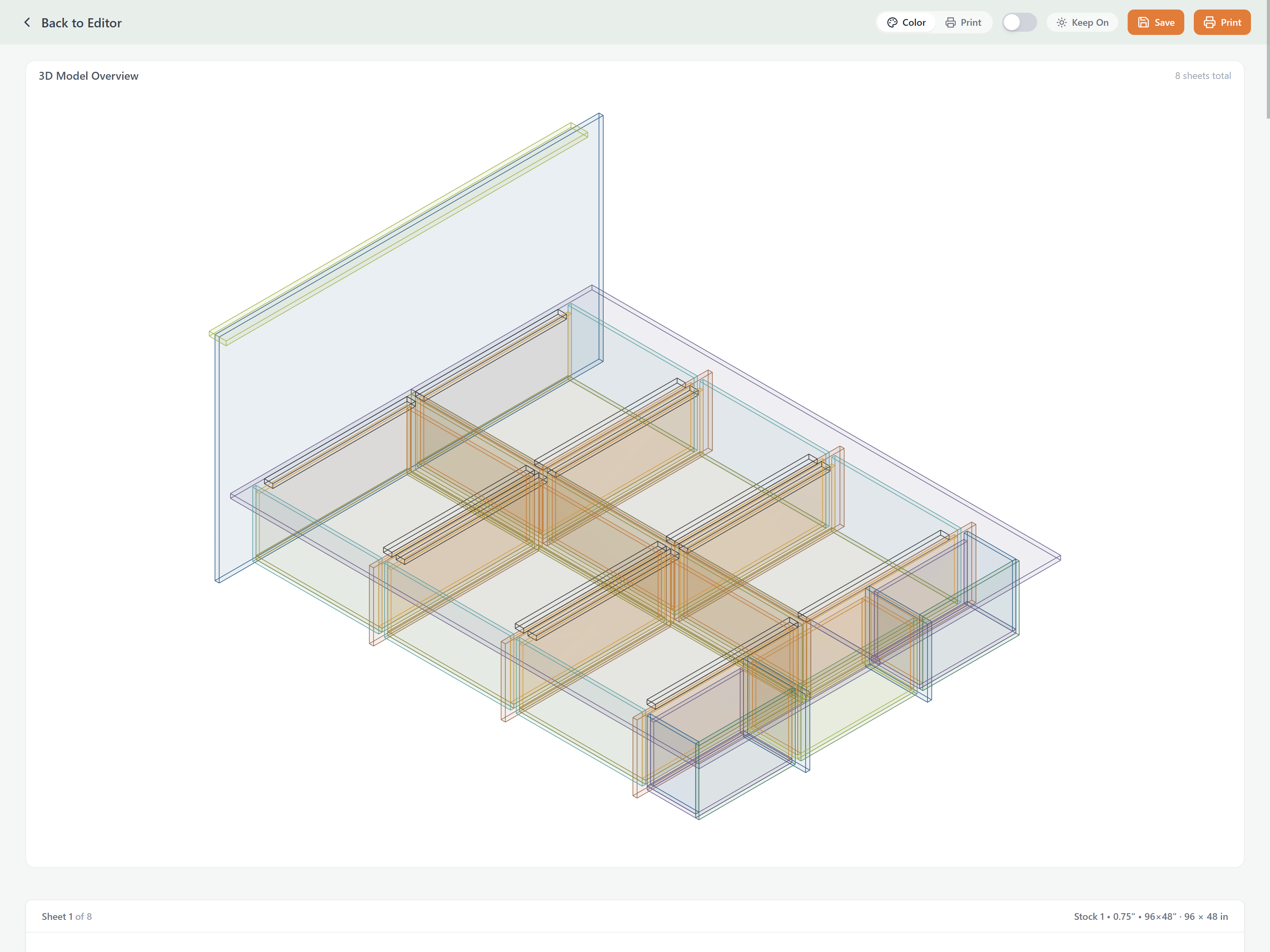
CutCalc analyzes your 3D model and extracts individual components with their dimensions automatically.
Parts are nested efficiently on your sheet goods to minimize waste and save material costs.
Go from 3D model to printable cut diagrams in seconds, not hours.
Your models are processed in your browser. Nothing is uploaded to our servers.
Save your model as OBJ or GLB from Fusion 360, SketchUp, Blender, or any 3D software.
Drag and drop your file or click to upload. Parts are extracted automatically.
Verify the detected parts, set material thickness, and specify your sheet size.
Get optimized cutting layouts showing exactly how to cut each sheet.
Print the diagrams and take them to your workshop. No guesswork needed.
These formats are supported by virtually all 3D modeling software:
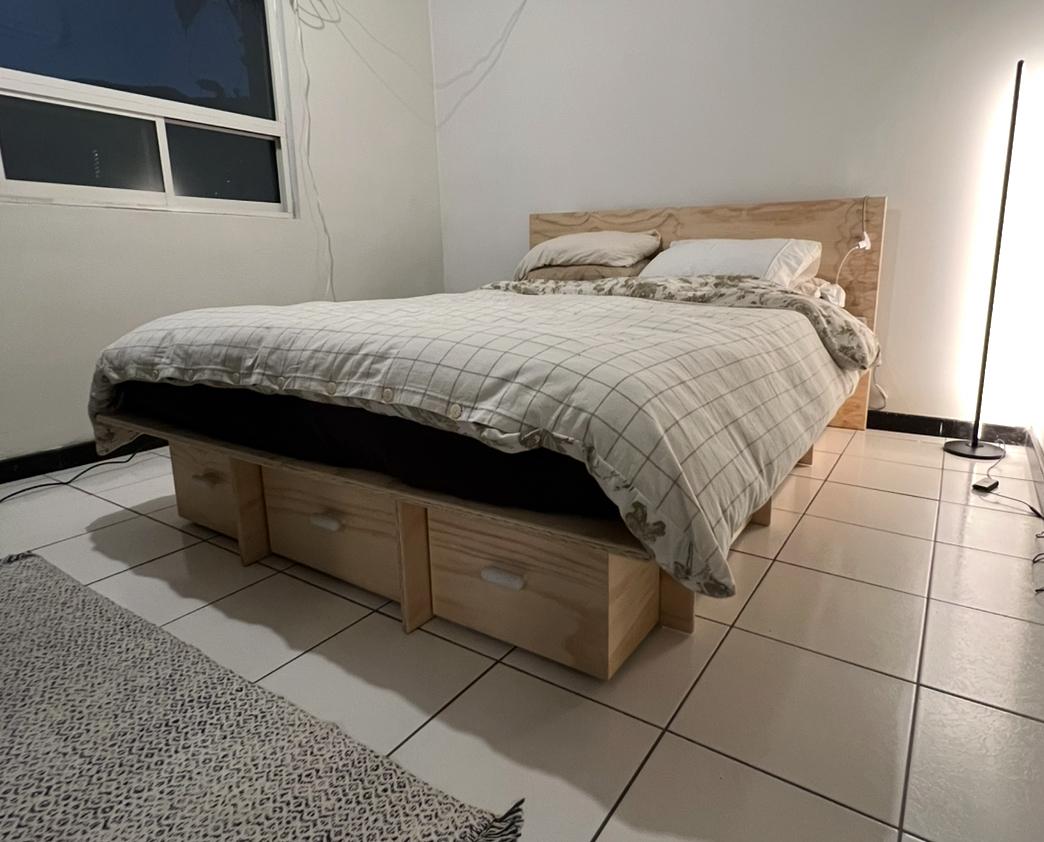
This storage bed frame was designed in CAD and built using cut lists generated by CutCalc.
Design in CAD, get accurate cut lists for cabinets, tables, shelving, and custom furniture.
Plan your weekend project in SketchUp, then know exactly what to buy and how to cut it.
Iterate quickly between CAD and physical builds without manual measurement each time.
Speed up your workflow from customer design approval to material ordering.
Stop manually measuring your 3D models. Let CutCalc do the work.
Try It Free